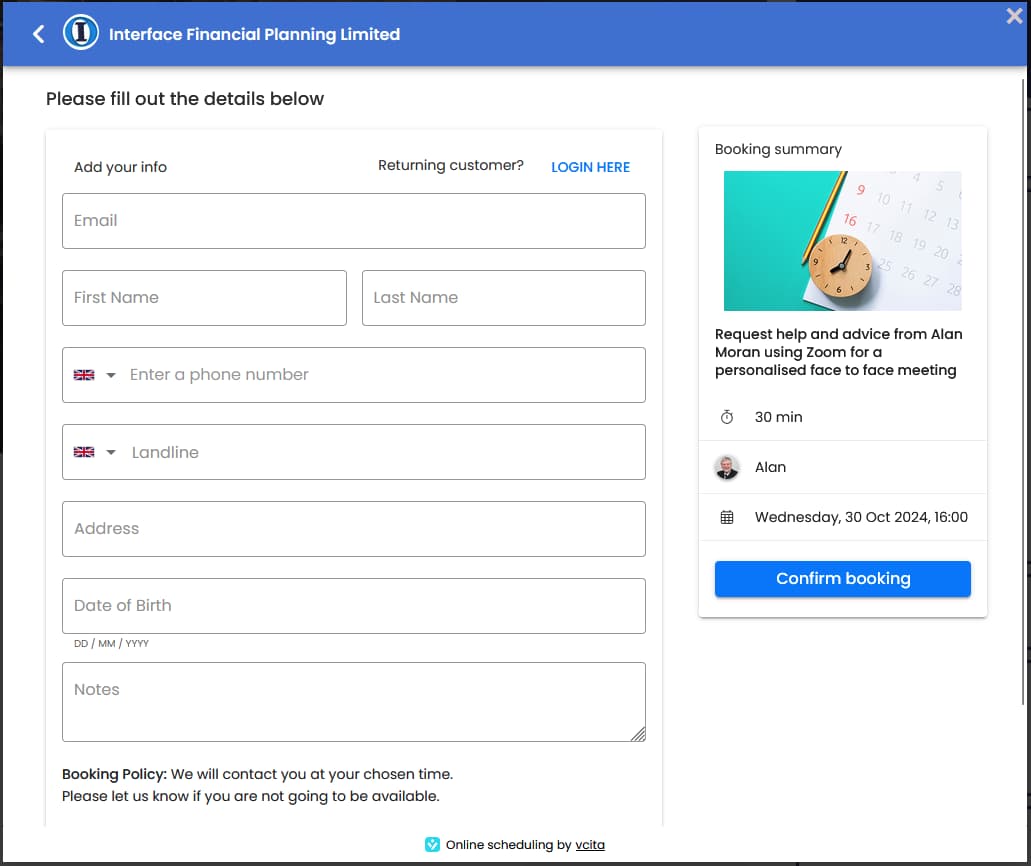















How to Make an Appointment
From our website at https://old.interfacefinancialplanning.co.uk
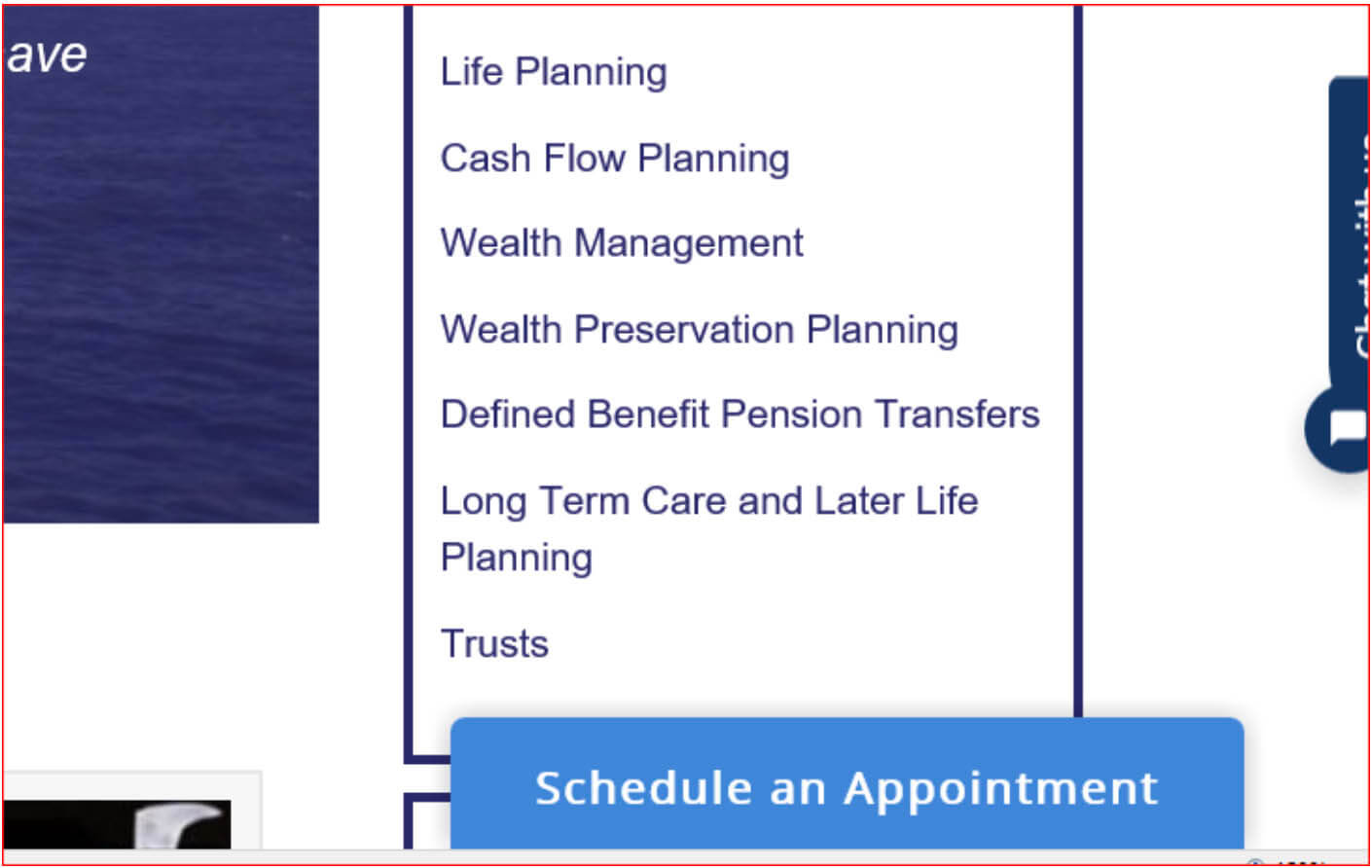
Click on Schedule an Appointment in the bottom right corner
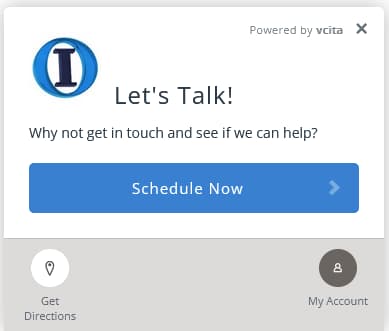
When the next screen comes up click on Schedule Now
Choose who you want to talk to from the following:
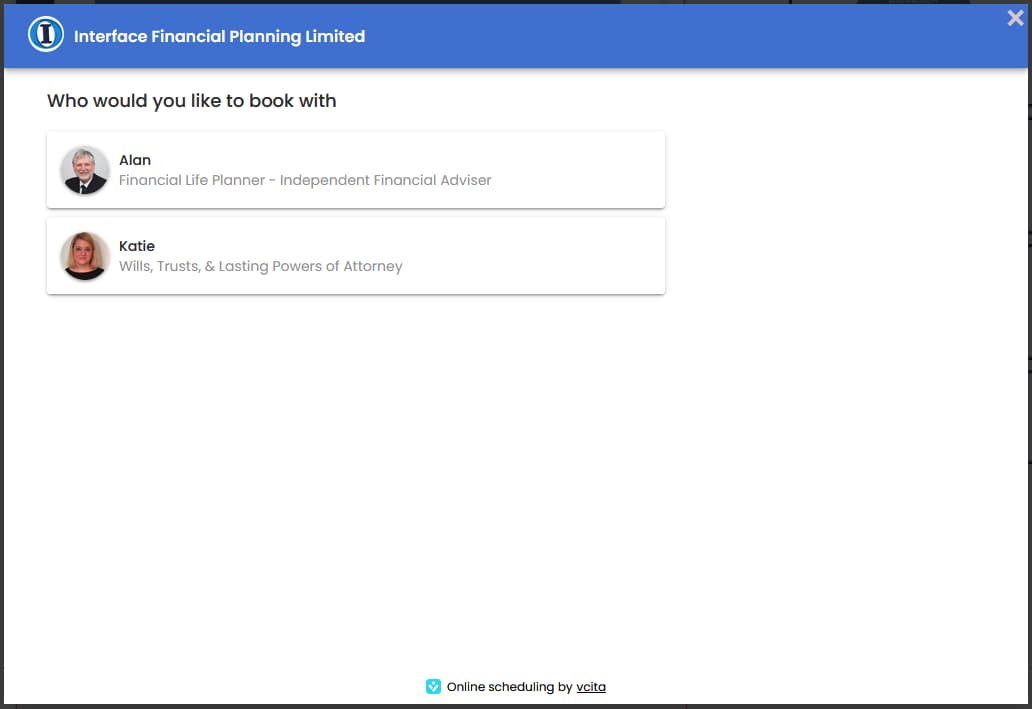
Select Alan Moran (preferred) and choose Zoom or Phone option (Zoom is preferred)
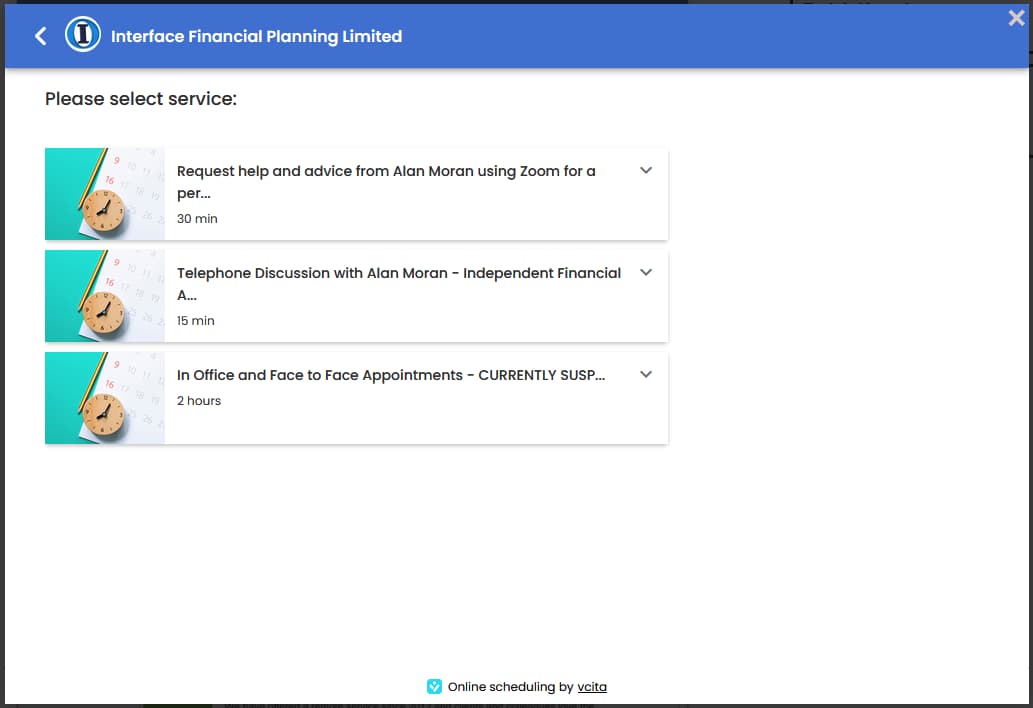
This provides access to our diaries where you can choose a convenient time – you can choose up to three times.
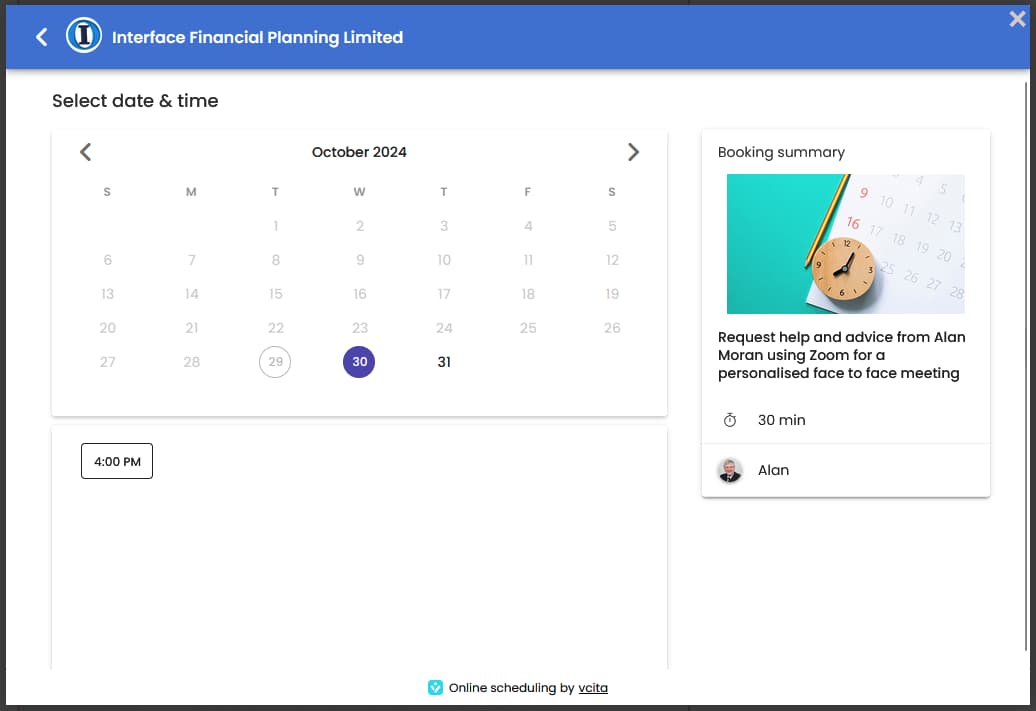
After selecting your time or times click Continue
On the next screen complete your details and then click "Confirm Booking Now".
If you are an existing client or you have registered before the system will remember your details and you can view a record of your previous meetings.